
Run the whole IT department on one platform — not a stack of disconnected tools.
Civic Mesa Technology is a complete IT service management system your department can run on its own: a service desk with SLAs, change management, an IT asset inventory and CMDB, self-service access requests, and a knowledge base — each tracked to a target and tied to the equipment and people it's about. Acquire it by itself to replace your help-desk tool, or turn it on beside the rest of the Civic Mesa suite so a ticket already knows your staff, your departments, and your hardware. Either way, it's built to be the best product in its category.
Run the whole IT department on one platform.
Far more than a help desk: incidents, service requests, change management, an IT asset inventory, and self-service access requests — each tracked against a service-level target and tied to the equipment and people it's about. Because it runs on the same core as everything else, a ticket already knows your staff, your departments, and your hardware.
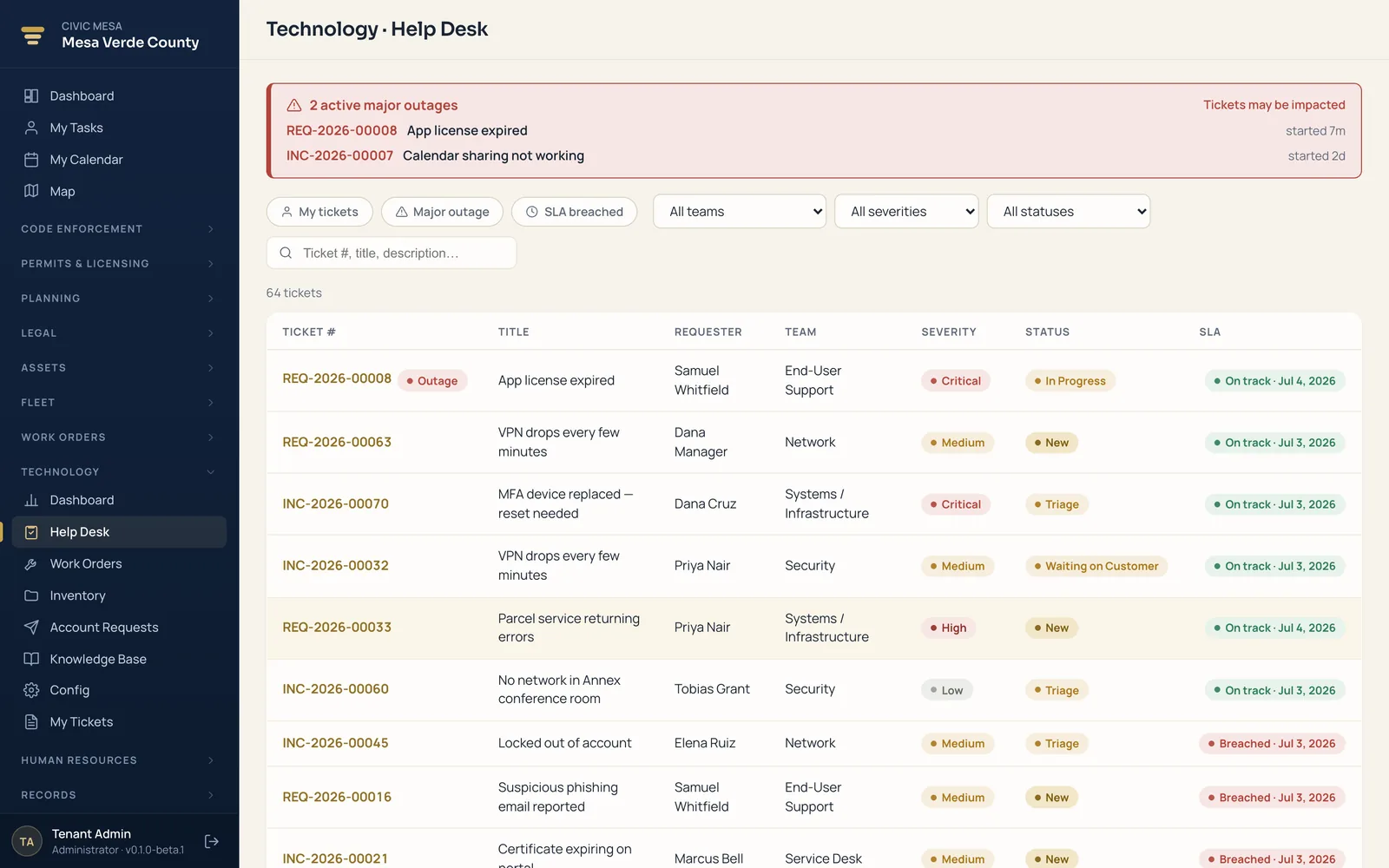
- Service desk with SLAs
Incidents, requests, and questions in queues, each on a service-level target — the desk shows backlog, breaches, and aging, and lets you declare a major outage.
- Change management
IT work orders route through configurable approval chains, so a risky change is reviewed and signed off before it lands.
- IT inventory & CMDB
Every device, license seat, and warranty with a lifecycle state — assigned, in stock, in repair — and a link to the tickets it's tied to.
- Access requests
Staff request accounts and permission sets through a self-service catalog that routes each one down the right approval workflow.
- Knowledge base
Write and publish fixes and how-tos so the common questions answer themselves — and technicians resolve the rest faster.
- Self-service, one login
Staff file and follow their own tickets; requesters and technicians are your existing people — no separate help-desk product to buy.
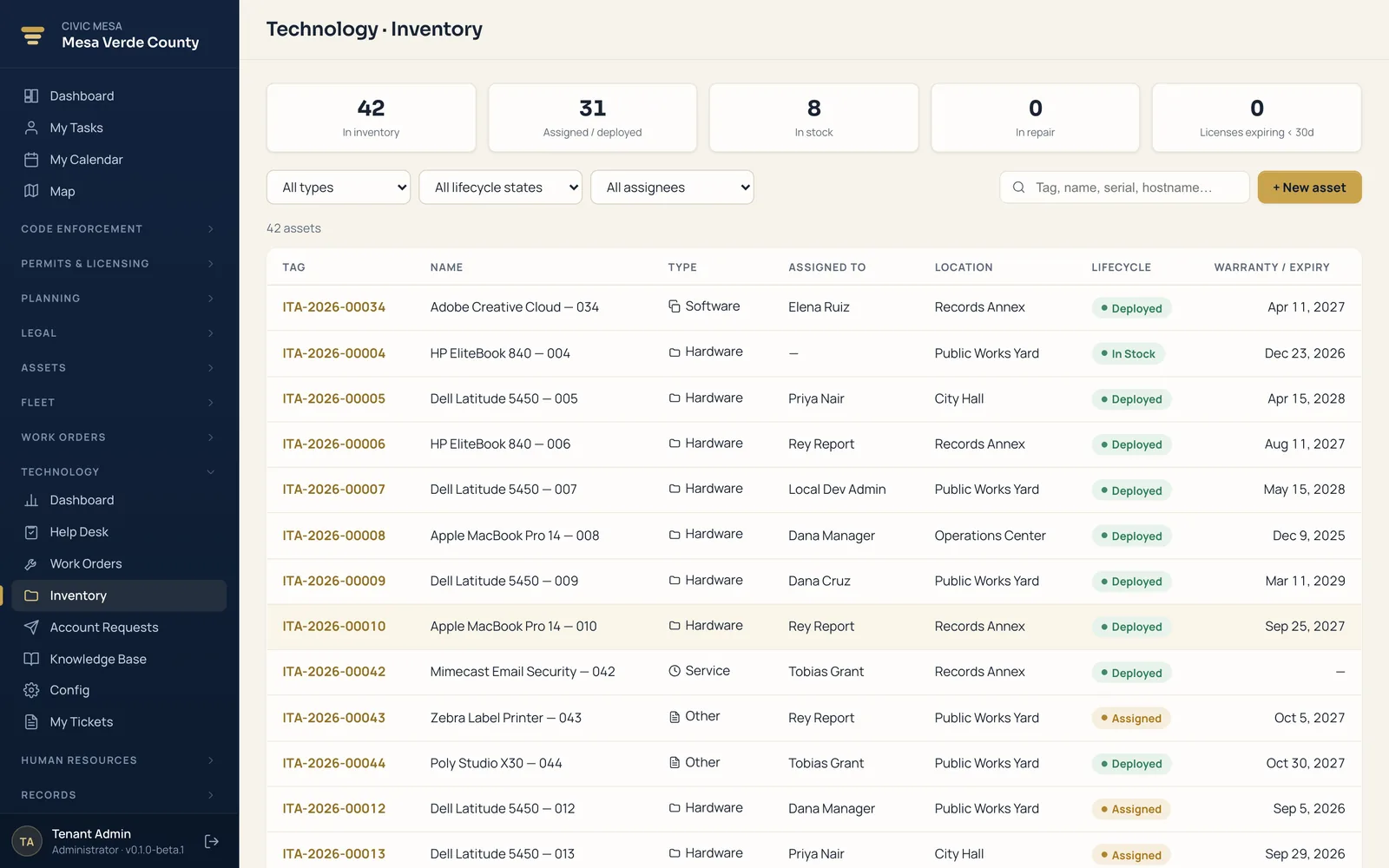
An IT inventory and CMDB that ties hardware to its tickets.
You can't support what you can't see. Technology keeps a live register of every device, license seat, and warranty — with the lifecycle state each is in and the tickets it's connected to — so a technician opens a ticket already knowing what they're working on.
- Every device and license seat. Hardware, software seats, and warranties in one register, each carrying its make, model, and coverage.
- Lifecycle states you can trust. Assigned, in stock, in repair — every asset shows exactly where it is in its life, not a guess from a spreadsheet.
- Linked to the tickets it's tied to. A device points at the incidents and requests about it, so history follows the hardware, not a person's memory.
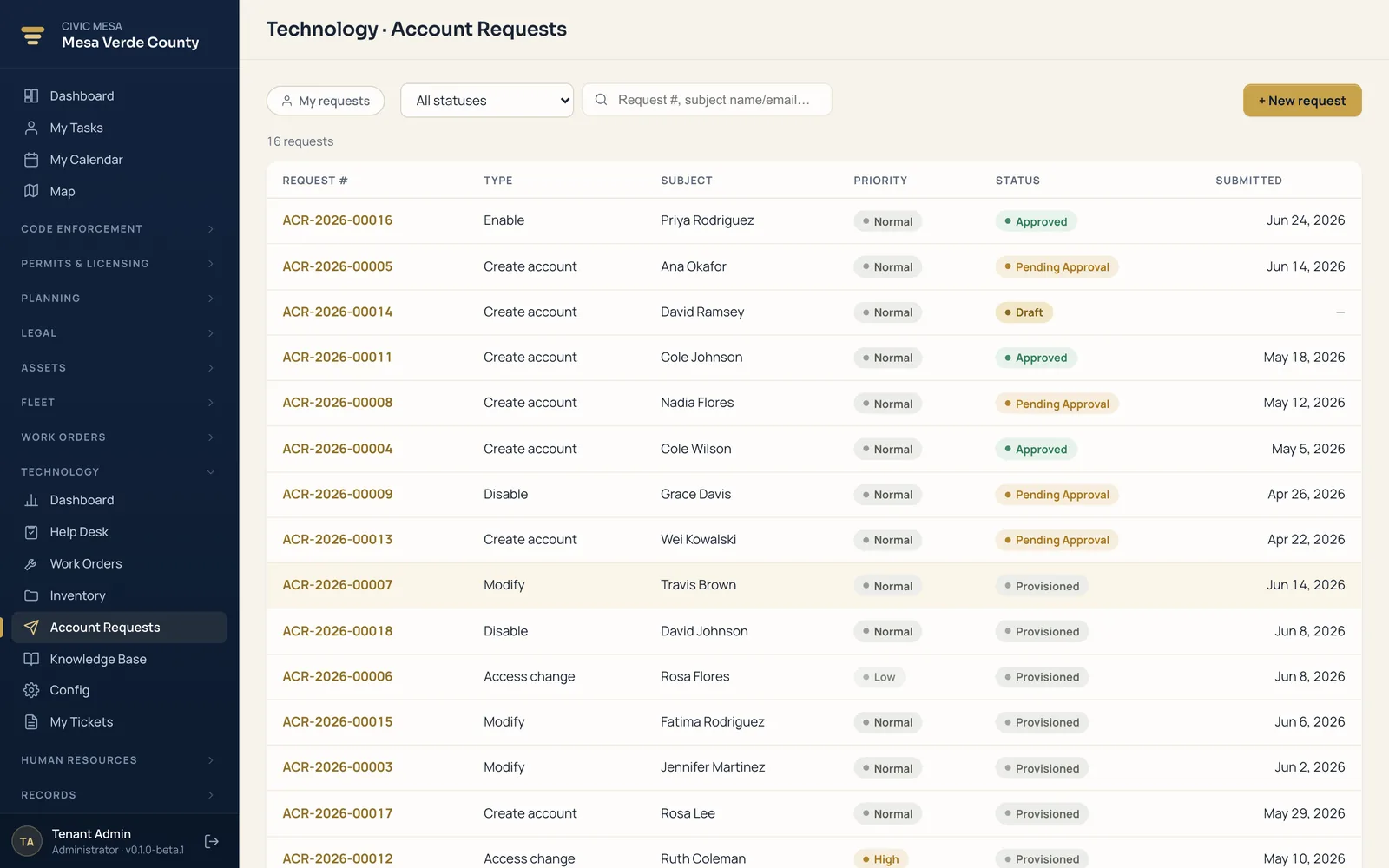
Self-service access requests that route themselves for sign-off.
Provisioning accounts shouldn't mean a chain of emails. Staff pick what they need from a catalog, and every request travels the right approval path before anything is granted — with change management doing the same for the risky work behind the scenes.
- A self-service catalog. Staff request accounts and permission sets themselves, instead of guessing who to ask for access.
- Routed to the right approver. Each request follows a configurable workflow, so nothing is granted without the sign-off it needs.
- Change reviewed before it lands. IT work orders route through approval chains, so a risky change is signed off before it goes live.
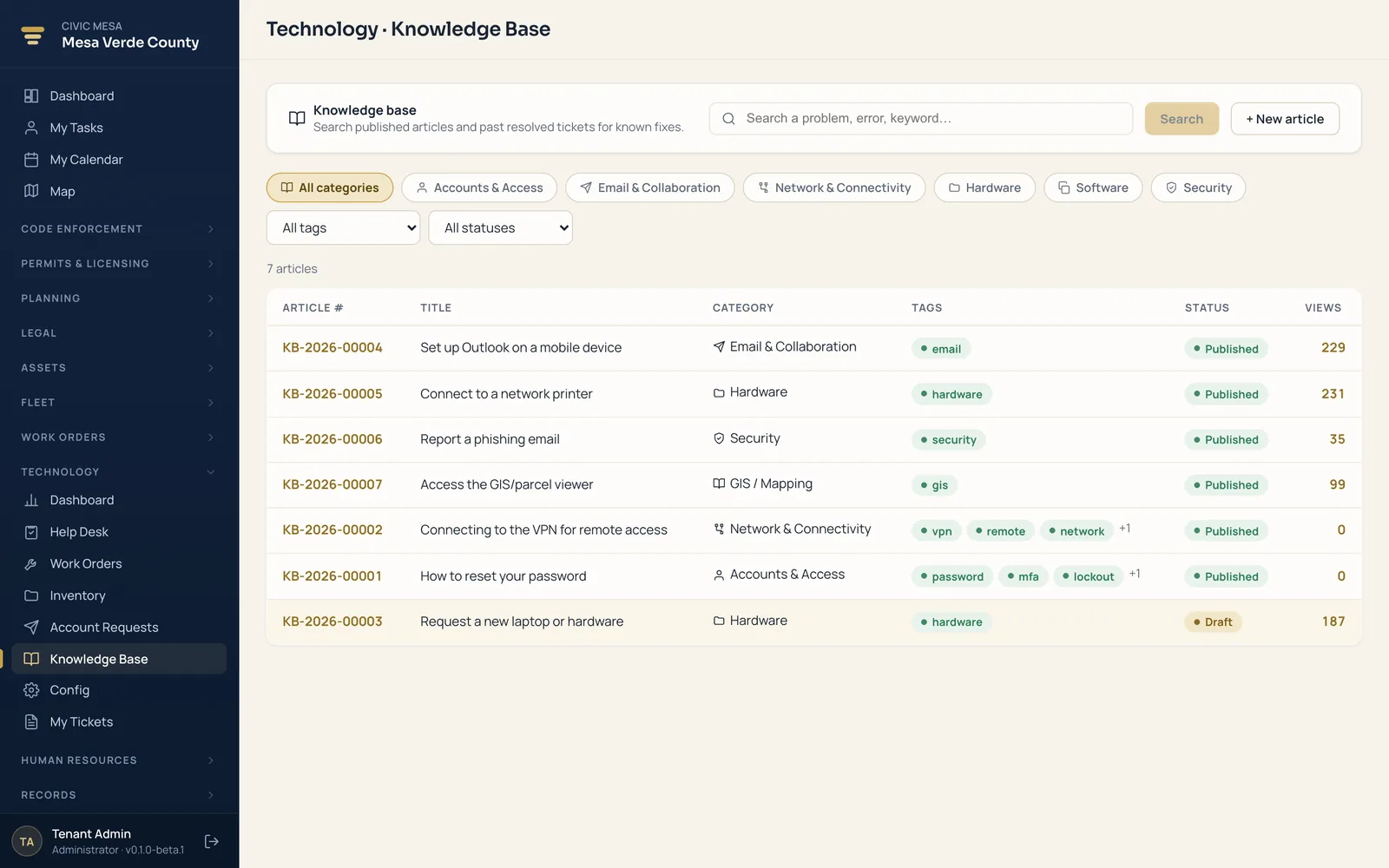
A knowledge base that lets the common questions answer themselves.
The tenth password reset shouldn't cost a technician the same time as the first. Publish your fixes and how-tos in one place, so staff self-serve the routine questions and your team spends its hours on the tickets that actually need them.
- Published fixes and how-tos. Write once and publish, so the common questions answer themselves instead of landing in the queue.
- Technicians resolve faster. The rest of the tickets get closed quicker because the reference is already written down, not in someone's head.
- One login for everyone. Requesters and technicians are your existing people — staff file and follow their own tickets with no separate product to learn.
Right-sized for any local government — not just big counties.
Technology scales from a one-person IT shop to a full service desk. It's the same top-tier product whether you're a county running data centers and hundreds of endpoints or a town where one person keeps the whole office online.
Counties
Run a real service desk across departments, track every endpoint and license in the CMDB, and put risky changes through an approval chain before they touch production.
Cities & towns
Give staff one place to file and follow tickets, publish how-tos so the routine questions answer themselves, and route account requests without a chain of emails.
Villages & small municipalities
A one-person IT shop gets a real service desk and inventory instead of sticky notes — no separate help-desk product to buy, and every user included in the price.
Special districts & authorities
Health, fire, housing, and utility districts manage their own devices, access requests, and SLAs with the same defensible, ticket-linked record.
A full product today. A platform when you're ready.
Buy Technology by itself and run your whole IT department on it. Add another Civic Mesa product later and it clicks in under the same umbrella — the same people, departments, and equipment — with no migration and nothing re-keyed.
Add Asset Management & Lifecycle
The device on a ticket is the same record you track from purchase to retirement — warranty, license seat, owner, and lifecycle state, one click from the ticket that touched it.
Add Human Resources
Requesters and technicians are the same employees, departments, and reporting lines HR already manages — so a new hire's access request routes to the right approver on day one.
Add Notifications
Ticket updates, a declared outage, or an approved access request go out by email or SMS automatically — in your own wording, without a technician drafting a one-off message.
See Technology running your own IT department.
Book a demo, then run a pilot on your real devices, departments, and SLAs — import your inventory, stand up your service desk, and evaluate on your own tickets. Flat per-module pricing with unlimited users, and your data stays portable, so there's no lock-in.